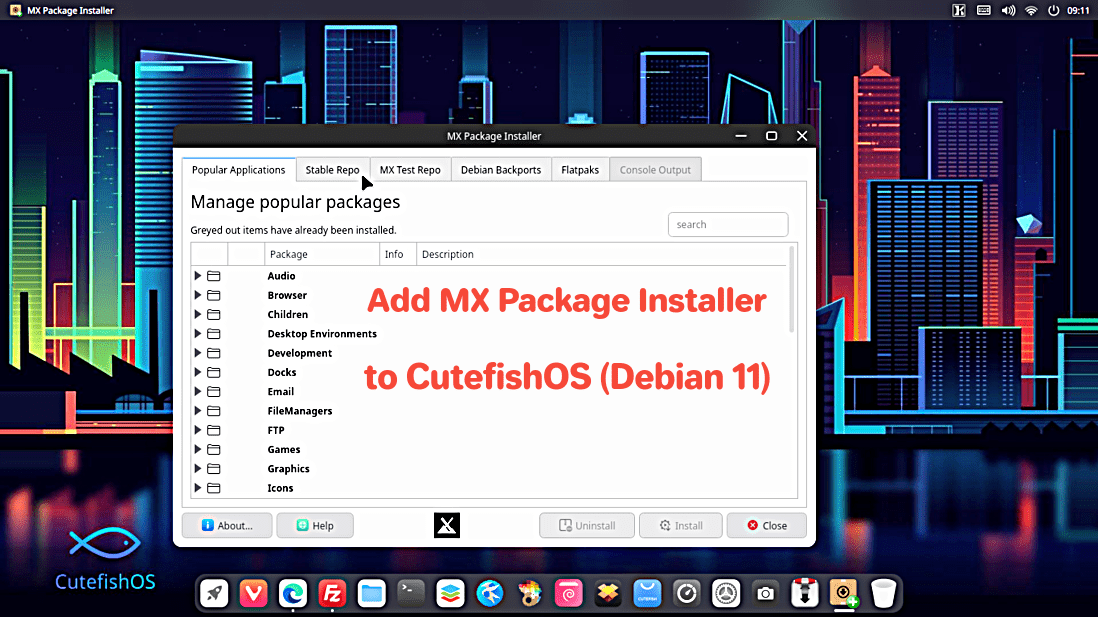
[ In TERMINAL ]
sudo apt install synaptic
sudo nano /etc/apt/sources.list
########## insert next 2 lines at top of file and SAVE FILE
# MX Community Main and Test Repos
deb http://la.mxrepo.com/mx/repo/ bullseye main non-free
##########
sudo curl http://teharris.net/mx21repo.asc -o /etc/apt/trusted.gpg.d/mx21repo.asc
sudo apt update
sudo apt upgrade
exit |
[ click icon to launch SYNAPTIC package manager ]

1. Click RELOAD and then MARK ALL UPGRADES
2. search on "mx-"
3. INSTALL mx-packageinstaller, mx-pkexec, mx-repo-manager
4. click APPLY and close SYNAPTIC when completed
|
[ click icon to launch MX package installer ]

1. Avoid installing other MX-specific software - it may break things
2. Avoid installing GTK (Gnome) apps
3. Avoid installing some of the heavier KDE QT apps
4. Prefer lightweight QT apps like kolourpaint, ksnip, kwrite, transmission-QT
5. -or- more neutral apps like Filezilla
|